

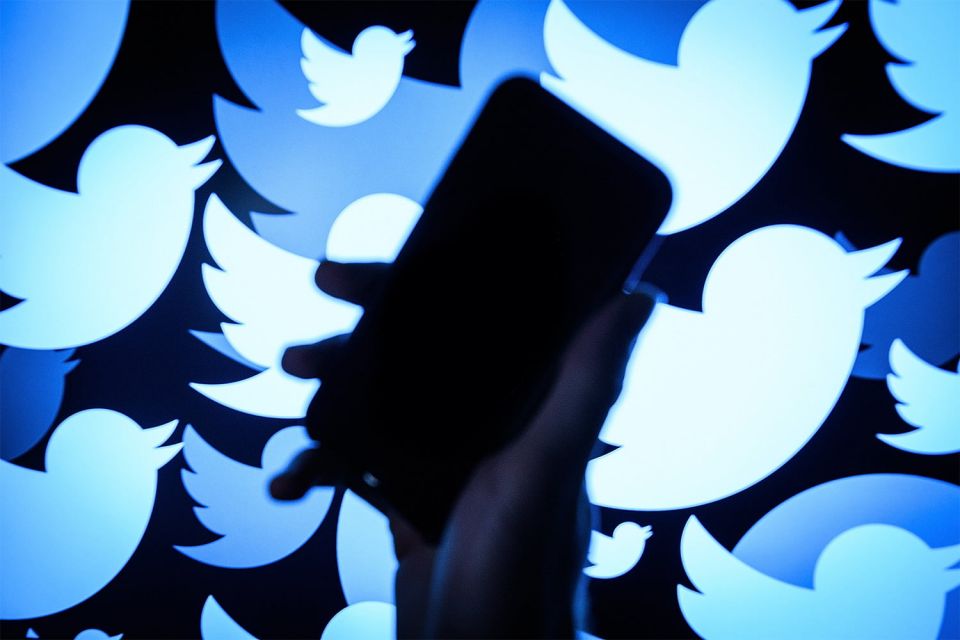
Twitter's latest version is crashing for most Android app users.
The apps on our mobile devices can run smoothly only if they are timely updated to their latest versions. Otherwise, the same apps fail to perform better & not offer the newest features to us. To get our hands to the latest updates or features, all the apps always prompt us with a notification to up

The apps on our mobile devices can run smoothly only if they
are timely updated to their latest versions. Otherwise, the same apps fail to
perform better & not offer the newest features to us. To get our hands to
the latest updates or features, all the apps always prompt us with a
notification to update to their latest versions & Twitter recently did the
same by upgrading it to their 8.28 version. However, following the update, the
response the app got for the Android app was negative as it was noticed by most
users that the app crashed immediately after updating it.
Twitter’s 8.28 version crashed for most Android users. The
company noticed the bug & addressed the users regarding the same on their
Twitter handle. They warned the Android users by stating, "We’re
investigating a problem with the latest version of our Android app that causes
it to crash immediately once it’s opened. If you use Twitter for Android, we
suggest not updating it until we let you know it's fixed. Sorry for the
inconvenience!"
The company also
alerted the users that they should avoid updating the app to the latest version
for now & wait for the company to fix this issue. Twitter will roll out the
fresh update soon & till then the users can continue using the older
version.
For avoiding the app to get auto-updated, users can switch
off the same or else it may get updated to the latest version causing the app
to crash. Users can anytime manually get the latest version updated from Google
Play Store.
For switching off the auto-updates, users can go to Google
Play Store & head to Settings, then tap on the Auto-Update Apps tab &
select the ‘Don’t Auto-Update Apps’ option. However, this will also stop other
apps from auto-updating.
In case you are already facing the crash bug, you can clear
the cache from the app & will have to reset all your data. For this, you
will have to sign-in again & make the custom settings. You can do this
through Google Play Store & tapping on the Device Settings, then pressing
the Apps tab & clicking on Twitter. Lastly, clear the storage & cache
by clicking the Storage and Cache option.
Disclaimer: The opinions expressed within this article are the personal opinions of the author. The facts and opinions appearing in the article do not reflect the views of 25hrNews and 25hrNews does not assume any responsibility or liability for the same.


 (+91) 8081113111
 pr@25hrnews.com